
Product Tutorials
Upload study materials
Uploading Study Materials
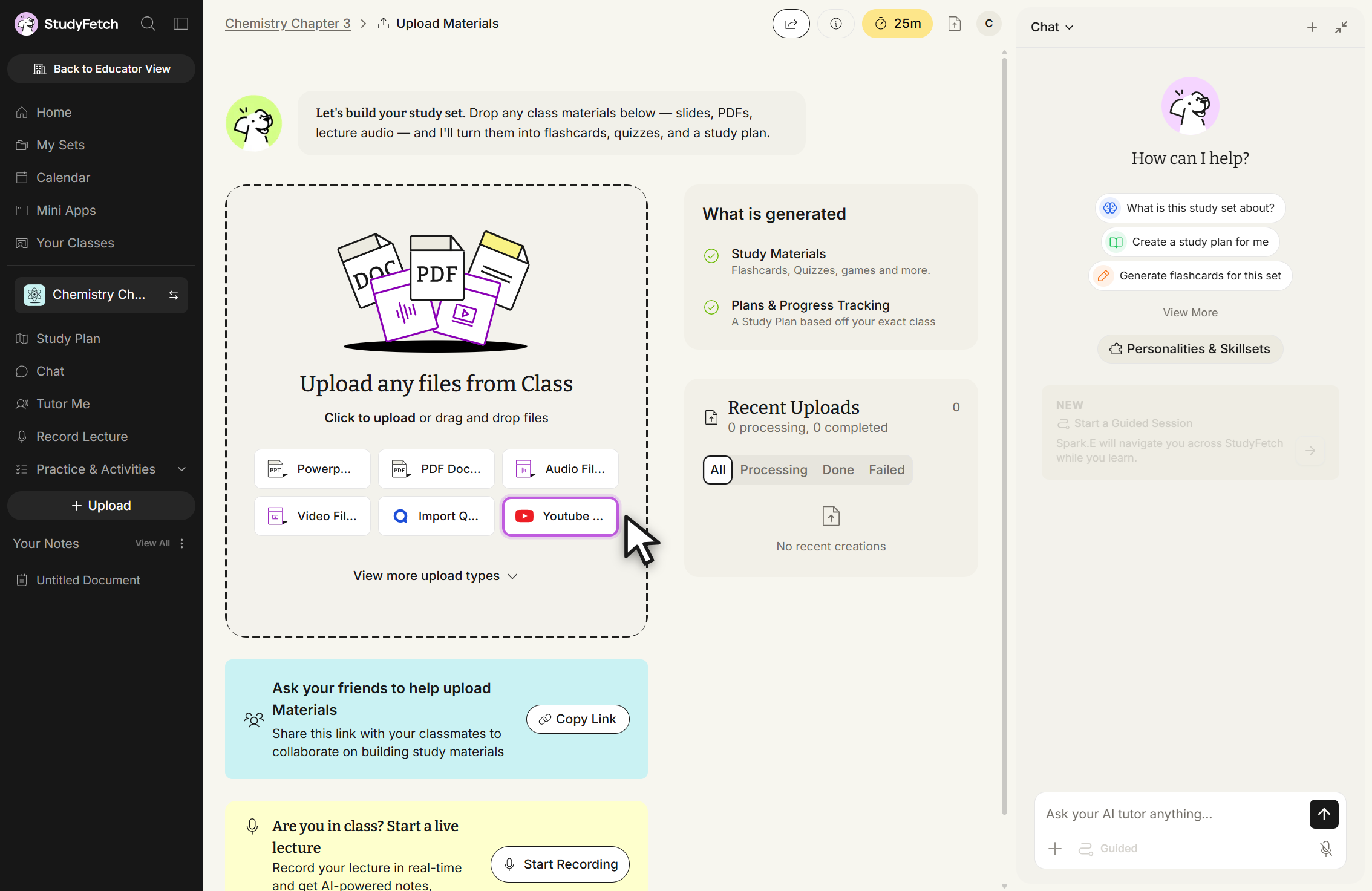
- Add your materials by selecting + Upload from the lefthand sidebar, or from the Upload prompt on your Study Set's dashboard. Just pick the option that works best for you.
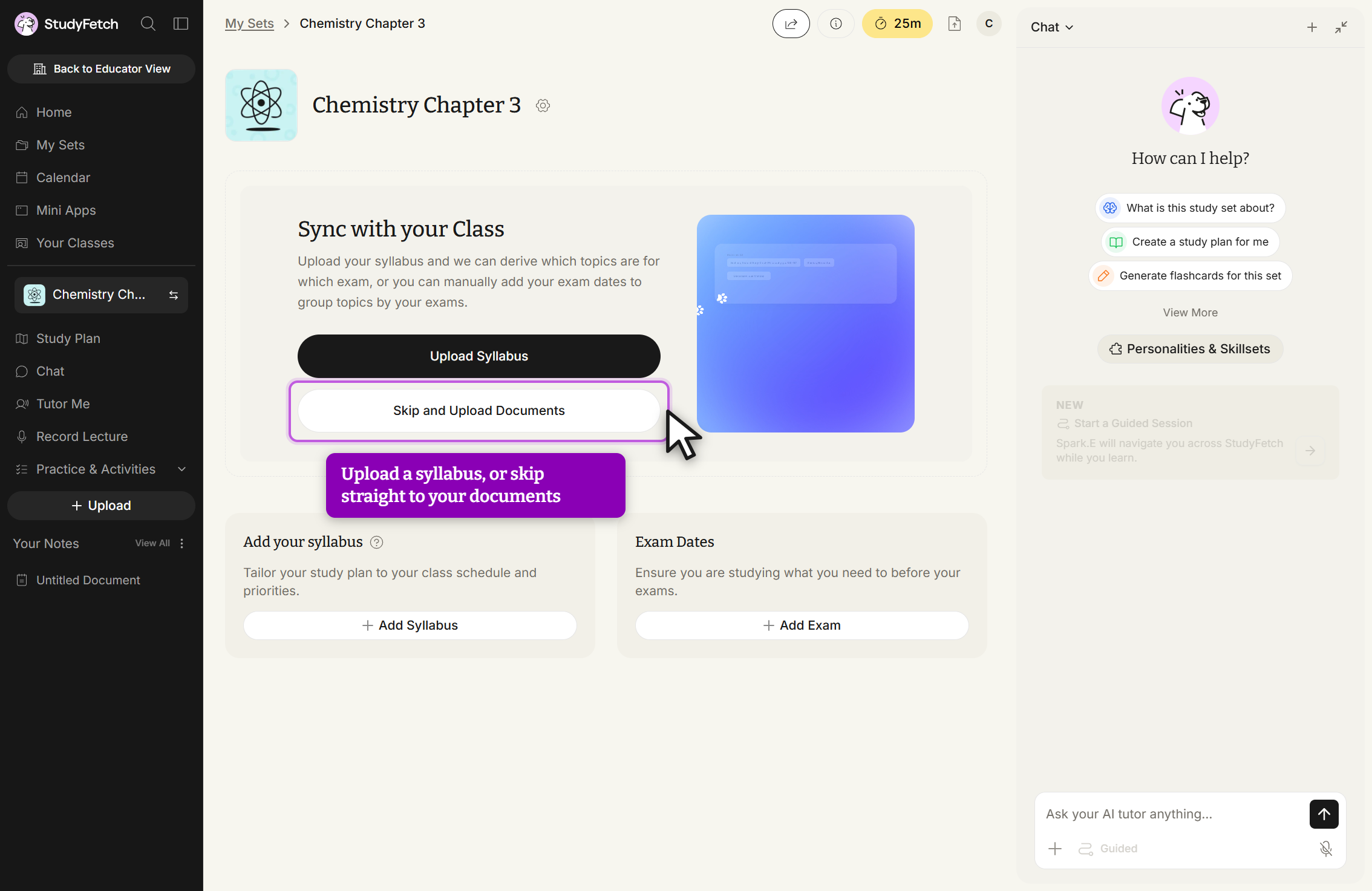
- On a brand-new Study Set, you may first see a Sync with your Class step offering to derive your topics from a syllabus — choose Skip and Upload Documents if you'd rather go straight to uploading materials.
- Select the desired file type from the listed material upload options in the Upload any files from Class box.
- Click anywhere in the box to open your device's file finder and select a file, or drag and drop your file directly.
- Below, you'll find step-by-step guides for each specific material upload method.
Upload limits by plan
The number of files you can upload depends on your plan. If you see "Upload limit reached. Update your plan before retrying this file.", the account has used its free uploads.
| Plan | Uploads |
|---|---|
| Free | 2 uploads total |
| Premium | Unlimited |