A New and Improved Calendar
A New and Improved Calendar
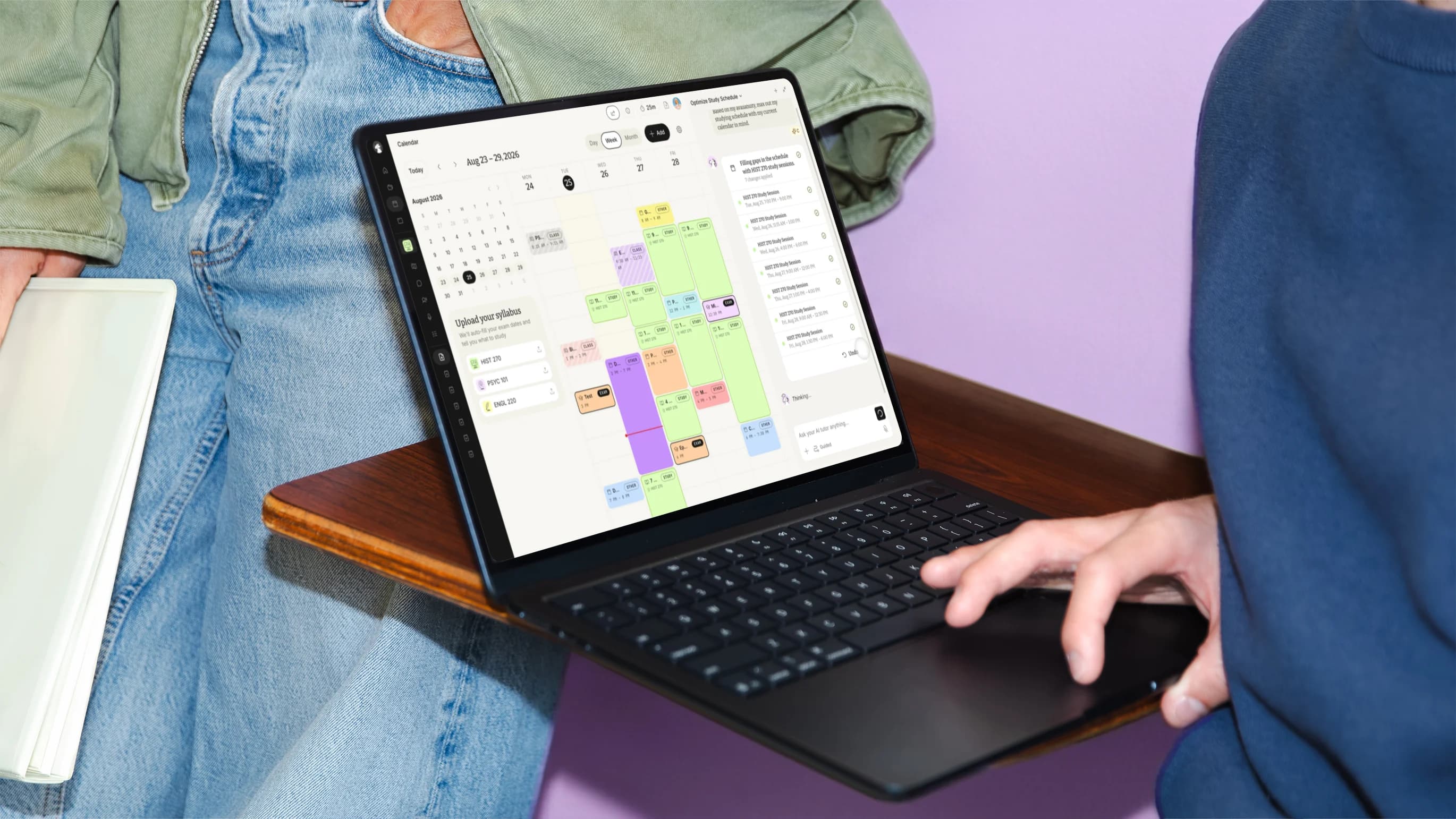
Today we're launching a rebuilt Calendar on StudyFetch. Upload your syllabus and it fills in your classes and exam dates for the whole semester. Open any study session and it tells you what topics to study with one click options to learn the material directly in StudyFetch.
Calendar knows which exam is coming up, which topics that exam covers, and how well you know each one, so sitting down to study no longer starts with deciding what to study.
Start with your syllabus
Upload a syllabus for each class and the Calendar builds itself, Sparky reads your exam dates, adds your recurring class times, and maps the right topics from your material to each exam. You can upload syllabuses for every class you're taking and your whole semester fills in at once.
Adding events is easy
Click and drag anywhere on the Calendar to block out time, you can pick whether it's a study session, an exam, a class, or something else, set the hours, and you're done.
When you add an exam, you also tell the Calendar what it covers. Pick your study set, name the exam, set the date, then choose topics from your uploaded material. Sort by material to grab a whole lecture deck at once, or sort by recommendation to pick from topics grouped by concept.
Ask Sparky to schedule it
Tell Sparky, our AI tutor, what you need in plain language, like “Add an exam for Thursday”, “Set up a weekly study session every Tuesday from four to seven”, “Max out my study time around my current calendar”, or “Schedule me study sessions before my final exam”.
Sparky reads your whole week and topics to study before it answers, classes and exams and other non school events, and it tells you why it picked each slot.
Every study session knows exactly what to study
Open a study session and you get the plan for that block our calendar shows your next exam and the date, then lists the topics that exam covers in order to work through them; you can hover any topic and you get a short explanation of it, your comprehension level, and the source it came from, down to the specific file.
Those sessions stay current on their own. As you add topics to an exam or change what it covers, the study sessions leading up to it update to match. You can also switch a session between Comprehensive and Cram depending on how much runway you have left.
Connect your personal calendars
Connect your Google Calendar and your StudyFetch study sessions, classes, and exams show up in Google, and every Google event you already have shows up on your StudyFetch Calendar. The study sessions in your Google Calendar link straight back into StudyFetch, so you can start a session from wherever you check your schedule.
Try it
The new Calendar is live now. Upload a syllabus, connect your Google Calendar, and let Sparky build the week around it. When your schedule is set, hand it to Guided Chatting and study the first topic together. Try it at https://www.studyfetch.com.