


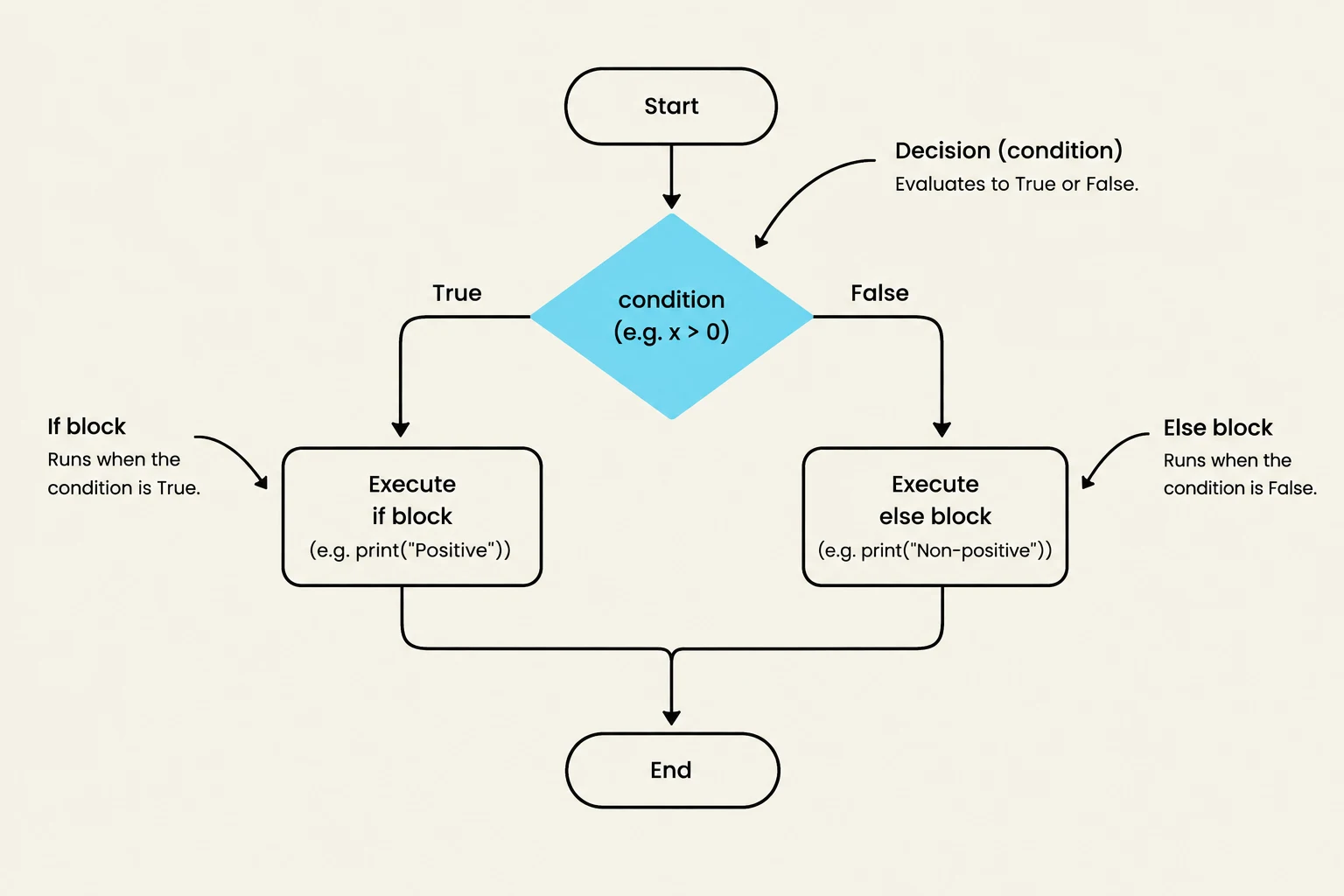
In programming, we often want our code to behave differently depending on the situation. Imagine a program calculating the area of a circle: if a user enters a negative radius, the calculation becomes mathematically invalid. To prevent such errors, we use selection control, which allows a program to choose specific actions based on whether certain conditions are met. This article explores how Python uses Boolean logic, selection statements, and random numbers to make these decisions.
Boolean Types, Values, and Expressions
At the heart of every decision is a Boolean expression. A Boolean expression is a mathematical or logical statement that evaluates to one of two values: True or False.
To create these expressions, Python uses six relational (comparison) operators:
==(equal to)!=(not equal to)>(greater than)<(less than)>=(greater than or equal to)<=(less than or equal to)
Caution: A common mistake is using a single equal sign (
=) instead of a double equal sign (==) when comparing values. In Python,=is used for assignment, while==is used for comparison.
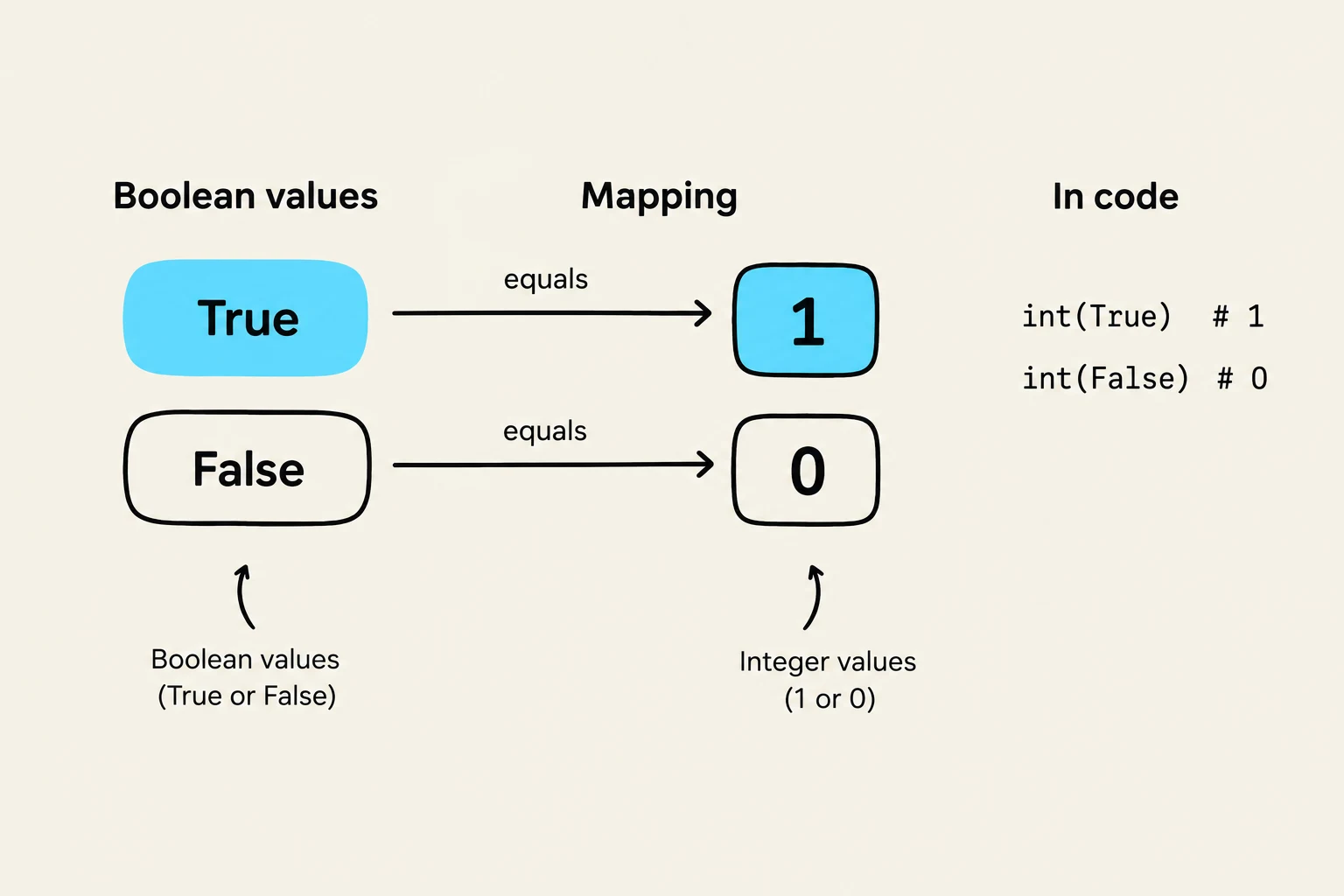
Python also allows you to convert between types. You can turn a Boolean into an integer using int(), where True becomes 1 and False becomes 0. Conversely, you can use bool() to convert numbers to Booleans; any numeric value that is not 0 will evaluate to True.
Generating Random Numbers
Sometimes, decisions should be based on chance rather than user input. Python's random module provides tools for this. To generate a random integer between two values and (including both endpoints), use random.randint(a, b). For example, random.randint(0, 9) produces a single-digit integer.
Keep reading for free.
Create an account to finish this reading and make it part of your study routine.
Continue reading freeAlready have an account? Log in
Updated